
It only reacts to phrases you confirmed
Each slide has its trigger phrases. ExponIA only uses the ones you confirmed: a suggestion you didn’t approve never moves the screen.
Choose phrases you will say only once in your message, and avoid single words you repeat across several points.
When in doubt, the screen stays put
If what it heard looks like a phrase but not closely enough, ExponIA doesn’t change the slide: it alerts the operator panel so a person decides. It also ignores references to the past (“como vimos en…”) and the future (“más adelante veremos…”).
What you need to get started
No special equipment.
- Your computer’s microphone works for rehearsals and small rooms.
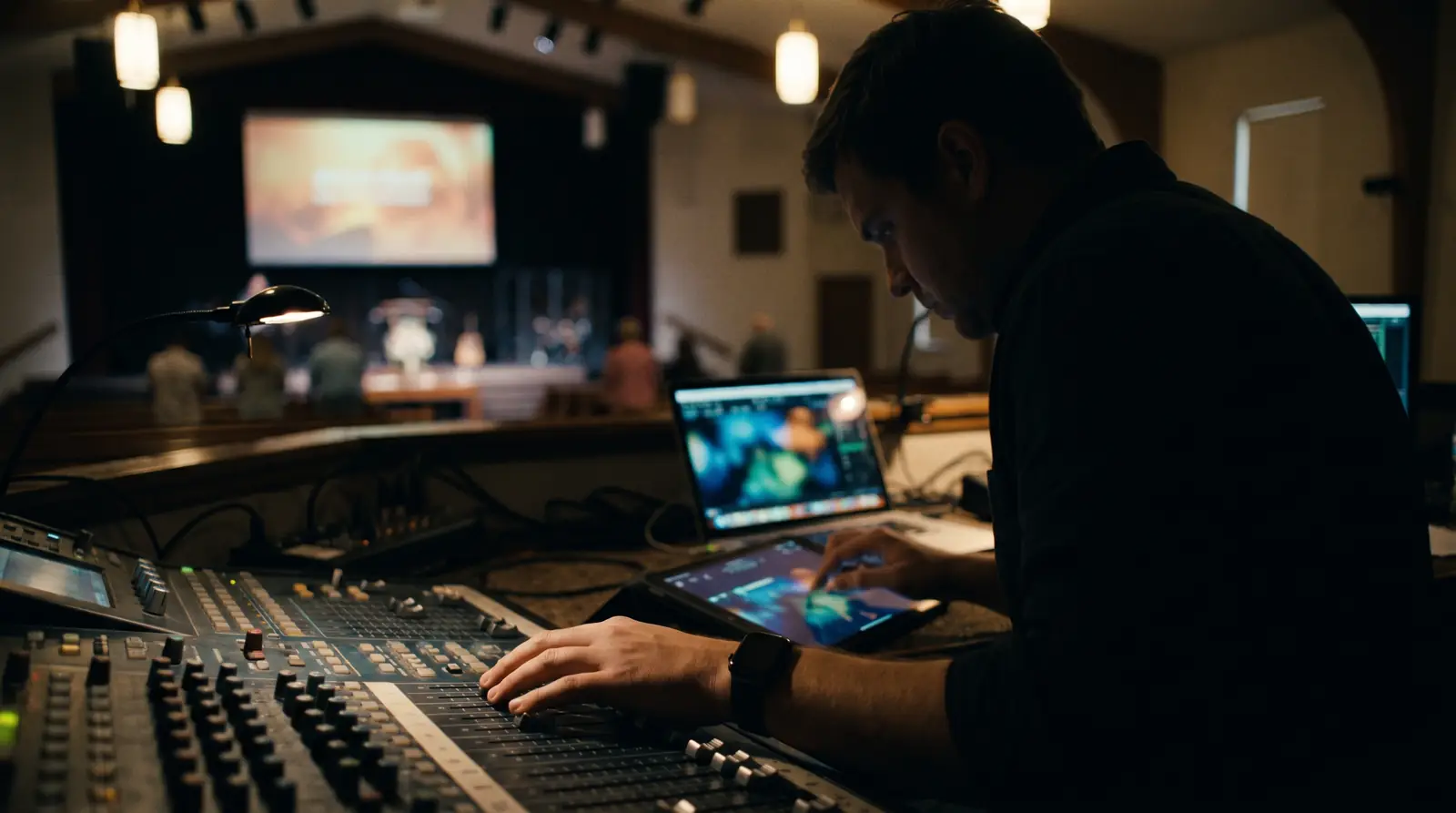
- At church or in an auditorium you can connect the sound desk to the computer with a USB audio interface.
- The projection opens on another computer, a tablet or a TV with a link or QR code.
- There are two recognition engines: the cloud one, more accurate, and the browser one, at no cost.
Several devices, one presentation
Projection, listening, presenter and operator join the same session, each with its own link. If the network drops, the projection keeps the last image and catches up when it is back.
As a backup you can download a package to project without internet and advance with the keyboard.