AI presentations for preaching and teaching
Your voice leads.
Your message is projected.
While you preach, ExponIA listens for the phrase you chose for each point and changes the image on the screen. You keep your eyes on your congregation; the screen follows you.
Built for Spanish-speaking and bilingual churches: voice control follows messages preached in Spanish, and you can project passages in English (KJV, WEB, BSB). English voice commands are in development.
- No credit card
- 9 Bible versions
- Export to PowerPoint and PDF
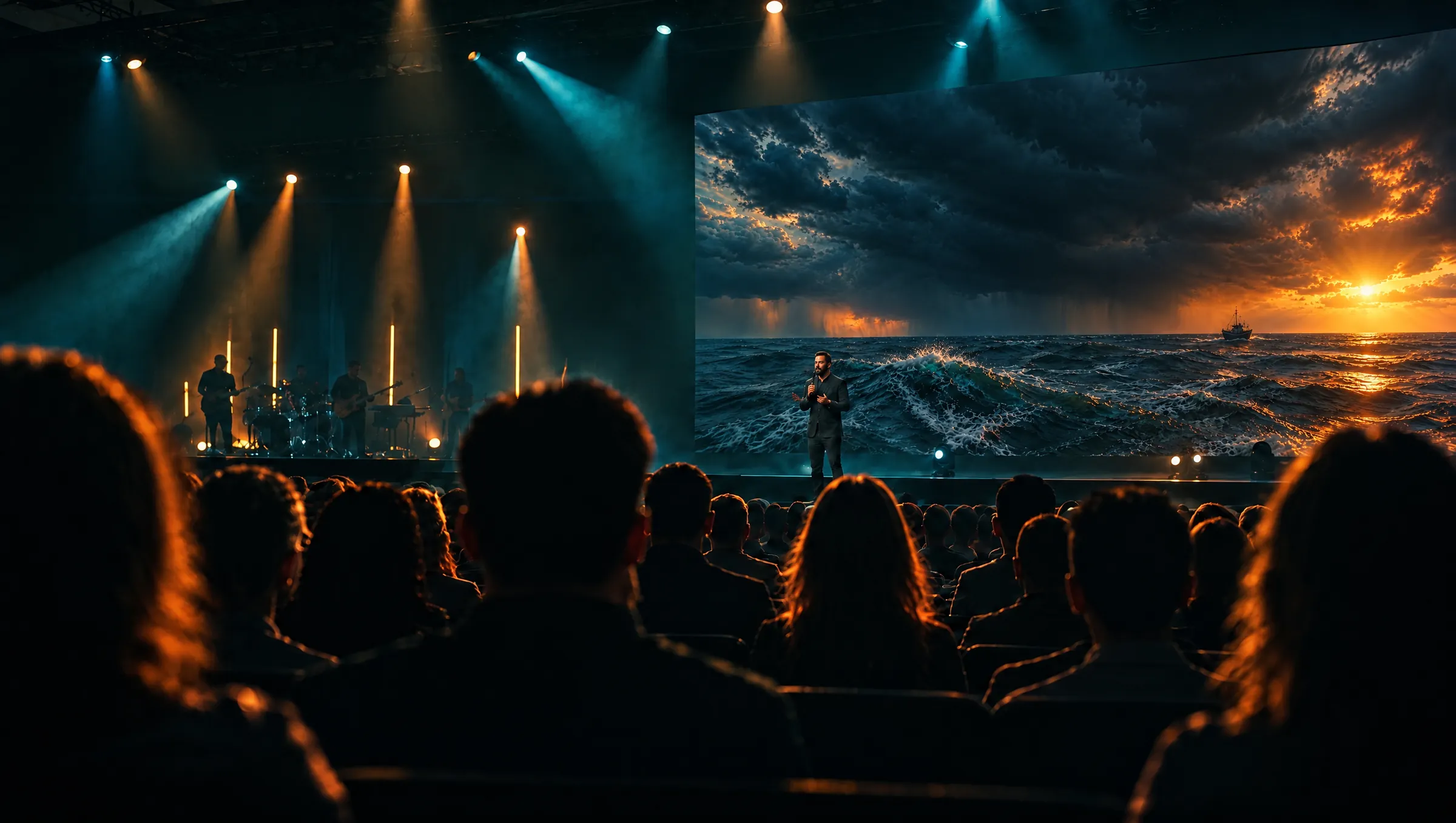
Esta mañana quiero hablarles de la fe en medio de la tormenta.
Phrase detected · TitleLive, during the message
Every phrase you say changes the screen.
For each point you choose one or more phrases you will actually say. When you say them, the slide changes in a second or two.
00:00:18 Introduction
“Esta mañana quiero hablarles de la fe en medio de la tormenta.”
Message title slide
00:06:42 Point 1
“El primer principio es este: Jesús ve tu tormenta.”
Slide 2 · Punto 1
00:11:05 Scripture reading
“Leamos Mateo catorce, veintinueve.”
Mateo 14:29 · Reina-Valera 1909
00:19:37 Point 2
“El segundo principio es dar el primer paso.”
Slide 4 · Punto 2
00:27:10 Point 3
“Y el tercero: mira a Jesús, no al viento.”
Slide 5 · Punto 3
“Later we will talk about…” does not move the screen. When a phrase is unclear, the slide stays put and the operator decides.
How it works
From your outline to the screen in three steps.
- 01
Upload my message
Upload your Word file, PDF or text. Your original is kept exactly as written; anything the AI suggests is always marked as a suggestion.
- 02
Split into points
ExponIA finds your introduction and your points, builds the slides and suggests images. You approve each one.
- 03
Start presenting
Say the phrase you chose and the screen changes. If a phrase is unclear, the screen stays where it is.

You say
“El segundo principio es la obediencia”
→ Slide 2 on screen
Voice
Phrases you choose. Changes you control.
For each point you confirm one or more phrases you will actually say. When you say them, the slide changes in a second or two. Today, voice control follows messages preached in Spanish.
- “Regresemos al punto uno” (back to point one) goes back; “retomemos donde estábamos” (let’s pick up where we were) returns you.
- Mentions of what comes later or what you already covered do not move the screen.
- When a phrase is unclear, the screen stays put and the operator decides.

“For God so loved the world, that he gave his only begotten Son, that whosoever believeth in him should not perish, but have everlasting life.”
Bible
The passage appears when you announce it.
Say “leamos Juan tres dieciséis” and the exact verse is projected. Long passages are split into several screens you advance with your voice.
- 9 verified versions, including King James, World English Bible and Berean Standard Bible for bilingual services.
- “Volvamos al mensaje” takes you back to your exact slide.
- The operator can also type the reference from the control panel.
Media team
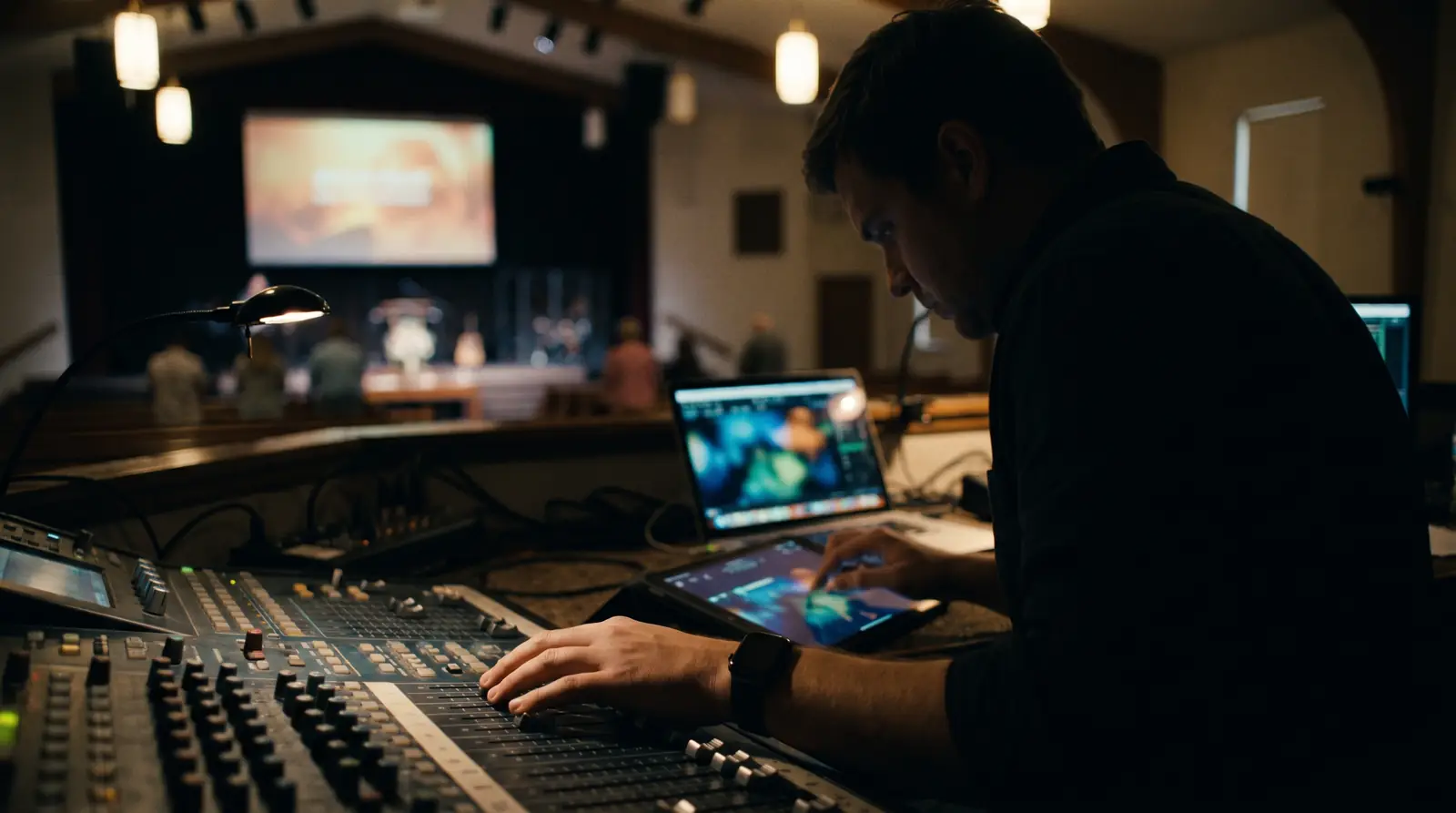
Every device in its place, connected with a code.
Projection, listening, presenter and operator each open with a link or QR code. Each one sees only what it needs.
- The operator can advance, pause listening, lock the slide or black out the screen.
- If the network drops, the projection keeps the image and catches up when it is back.
- Ministry plan: a team of up to 10 people with their own roles.
For teachers and speakers
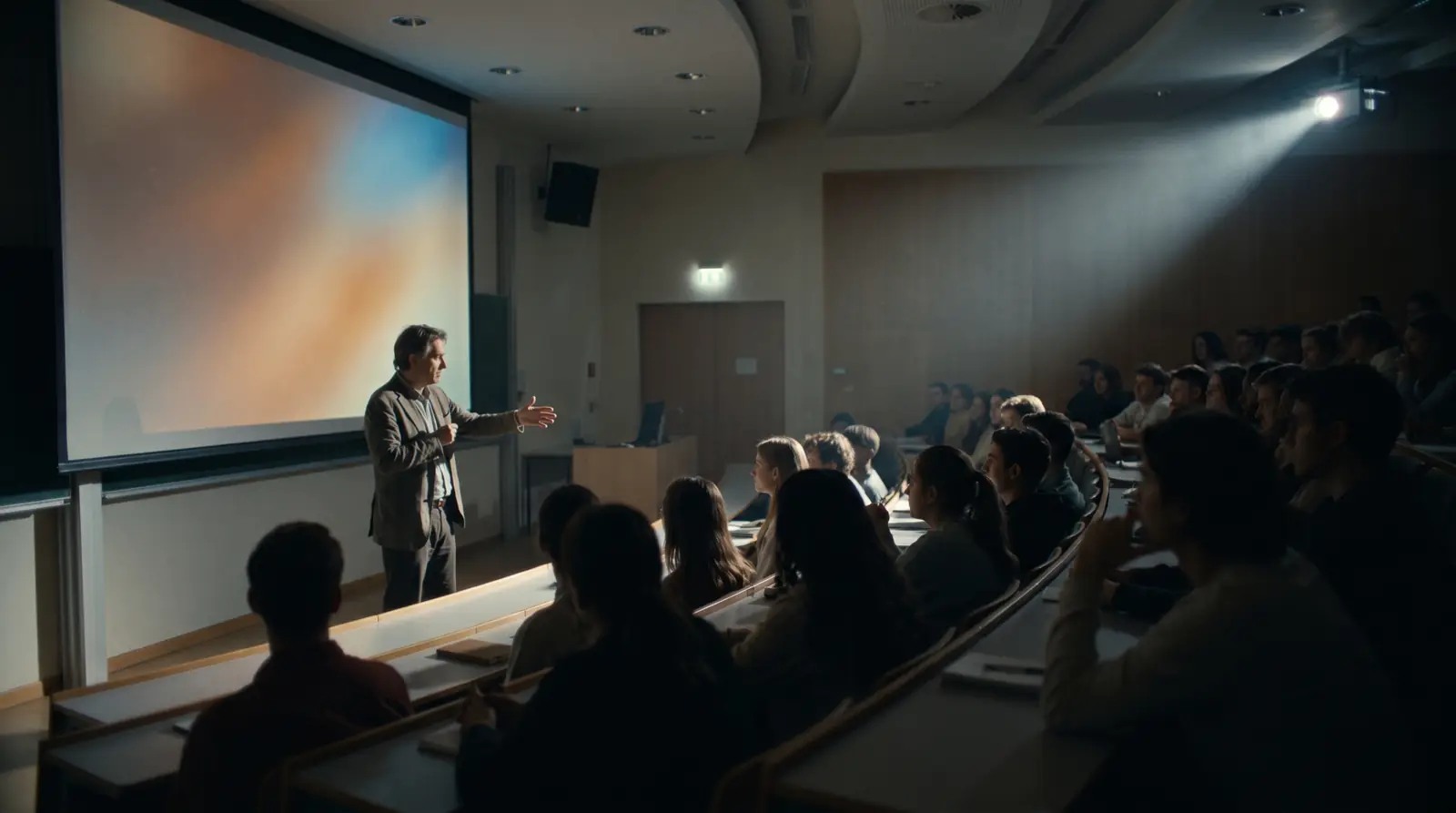
For the classroom and the auditorium too.
Classes, trainings and talks: prepare your points with help and present facing your audience, not your keyboard.
- Generated images for each point, with no text baked in: titles are layers you edit.
- Export to PowerPoint with editable text, or to PDF.
- Rehearse first and review what the app understood to fine-tune your phrases.
Pricing
Start free. Grow when you need to.
Gratis
Free
No credit card.
- 30 min of cloud listening included
- Unlimited browser speech recognition
- 10 image credits per month
- Up to 2 presentations
- 1 user
Esencial
$19.99 / mo
- 4 h of cloud listening per month
- Unlimited browser speech recognition
- 60 image credits per month
- Unlimited presentations
- 1 user
- Recommended
Pastor
$39.99 / mo
- 10 h of cloud listening per month
- Unlimited browser speech recognition
- 200 image credits per month
- Unlimited presentations
- 1 user
Ministerio
$149 / mo
- 25 h of cloud listening per month
- Unlimited browser speech recognition
- 600 image credits per month
- Unlimited presentations
- Team of up to 10 users
Image credits: low quality 1, medium 2, high 8. Extra cloud listening: $2 per hour. Cancel anytime.
Prices in US dollars. Sales tax, if any, is shown at checkout.
Frequently asked questions
Does it understand English?
The interface and this site are in English. Voice control currently follows messages preached in Spanish, which is how most of our churches in the US use it. You can project Bible passages in English (King James, World English Bible, Berean Standard Bible). English voice commands are in development.
What microphone do I need?
Your computer’s microphone works. At church you can connect the sound desk to the computer with a USB audio interface.
What if a phrase is not recognized?
The screen stays on the current slide. From the presenter or operator panel you change it with one tap, pause listening or lock the slide.
Is what I say recorded?
No. Audio is not recorded and does not go through our servers. In rehearsals you can see what the app understood to adjust your phrases; that log is deleted after 30 days.
Do I need internet?
Yes, for cloud voice recognition and to coordinate devices. As a backup you can download a package to project offline and advance with the keyboard.
Can I cancel anytime?
Yes. You keep access until the end of the paid period and move to the free plan with your data.